Android – Gmail Client
Step-1
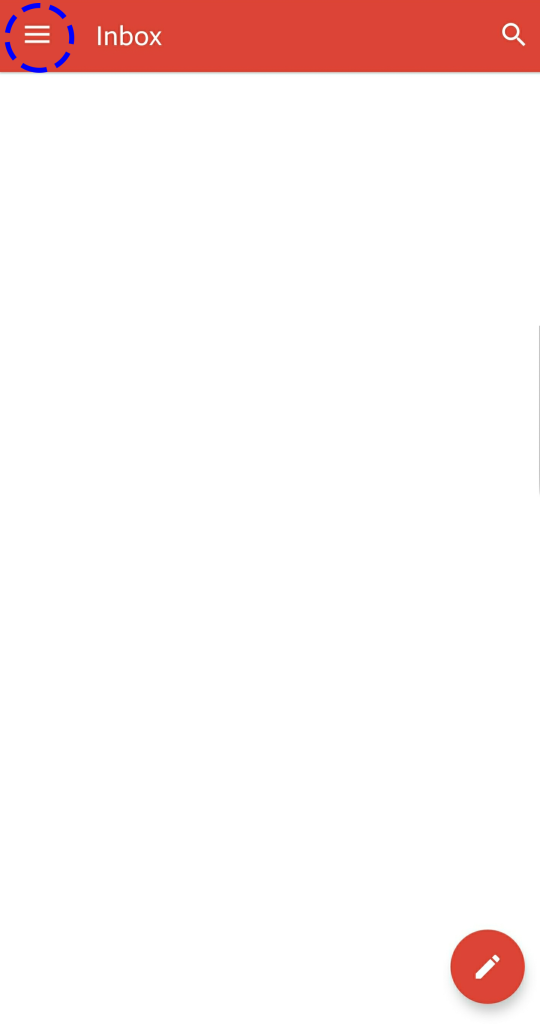
Click on the Gmail App and Click on the three bar on the top left corner
Step-2
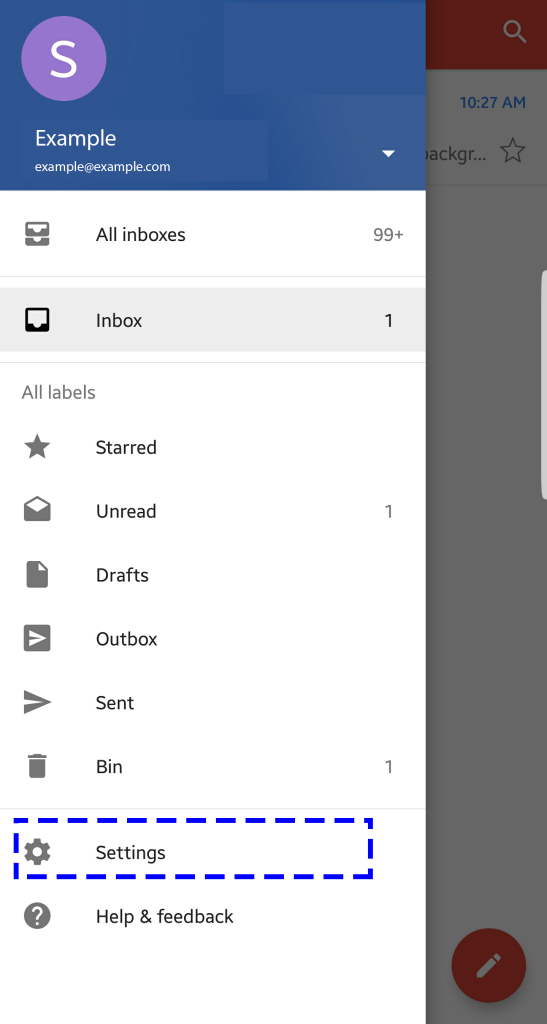
Click Settings
Step-3
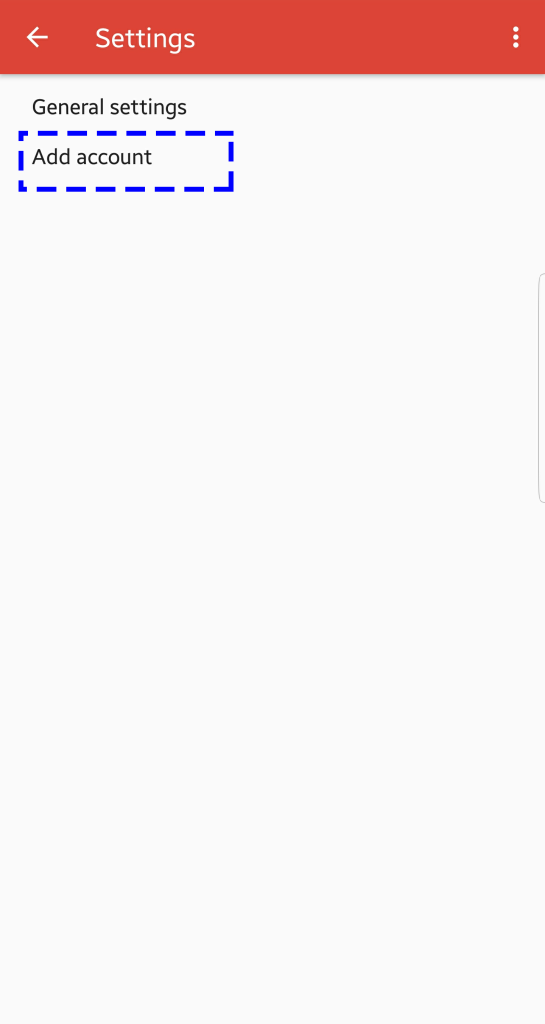
Choose Add Account
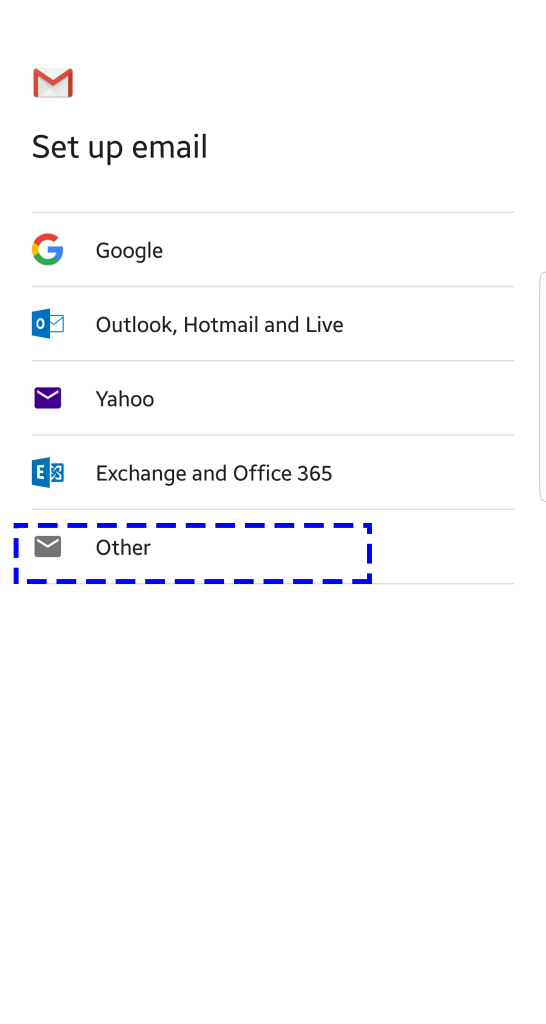
Step-4
Choose Other
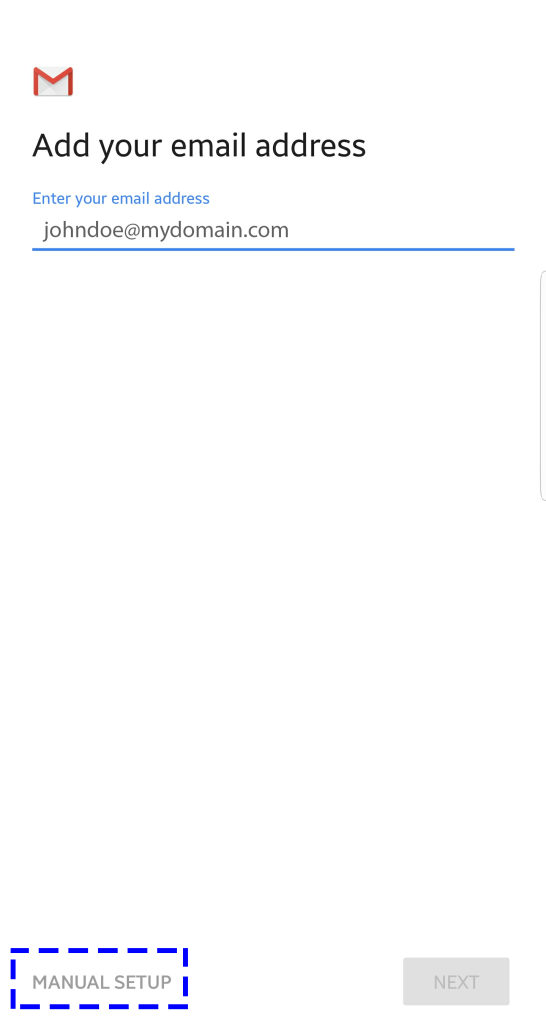
Step-5
Enter the email address and choose manual setup
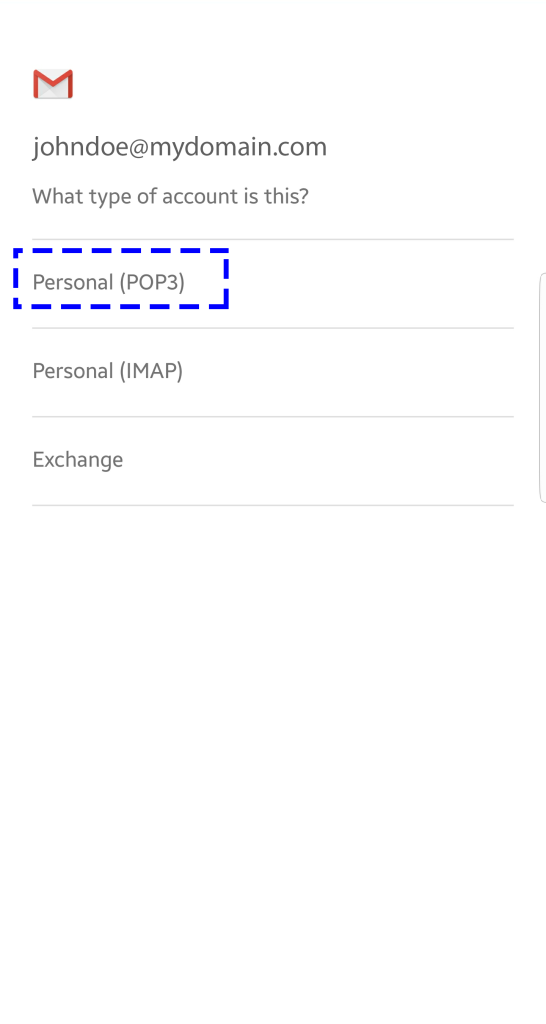
Step-6
Select POP3
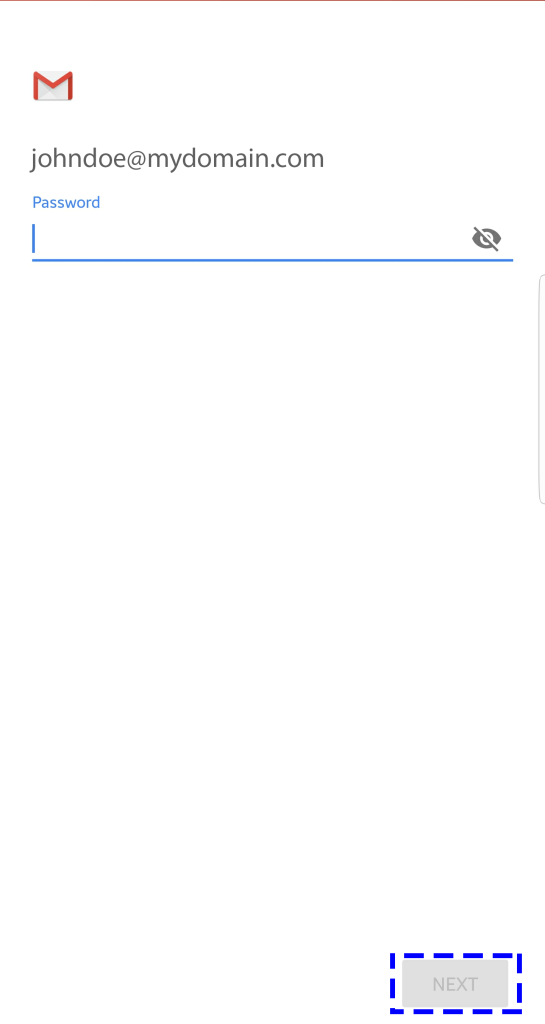
Step-7
Enter your password and click next
Step-8
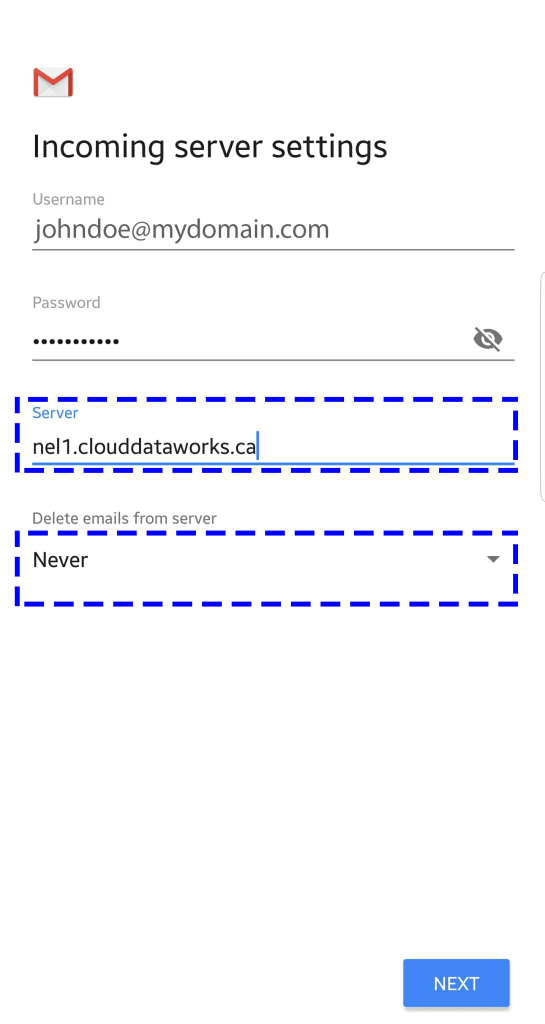
Enter the your incoming mail server ( to find you mail server number Click here)
And also choose never under delete emails from server and Click next
Step-9
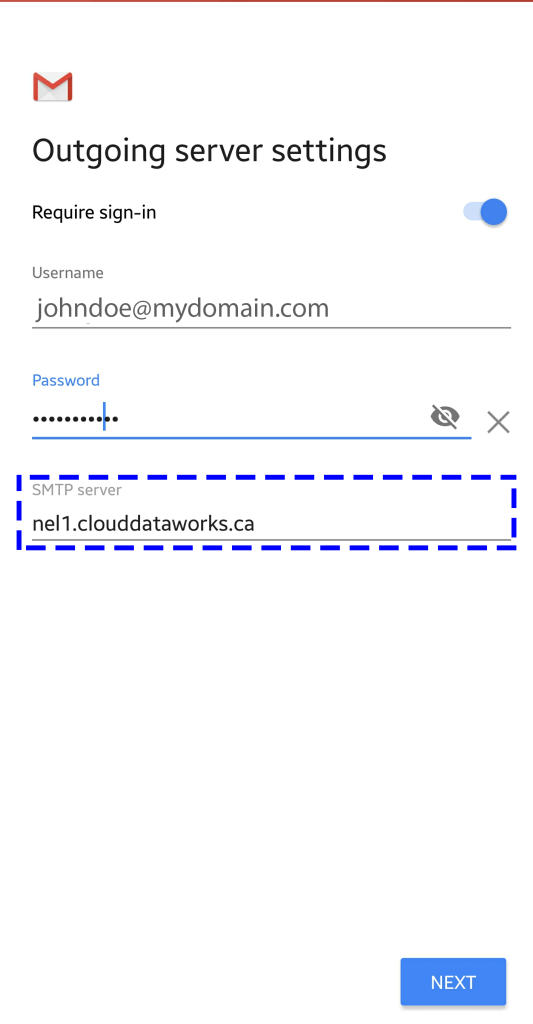
Enter the your outgoing mail server ( to find you mail server number Click here) and click Next